
Design the client view on purpose
A design choice in Taoro offers a practical way to choose what clients see, explain the next decision and inspect a project view before sharing it.
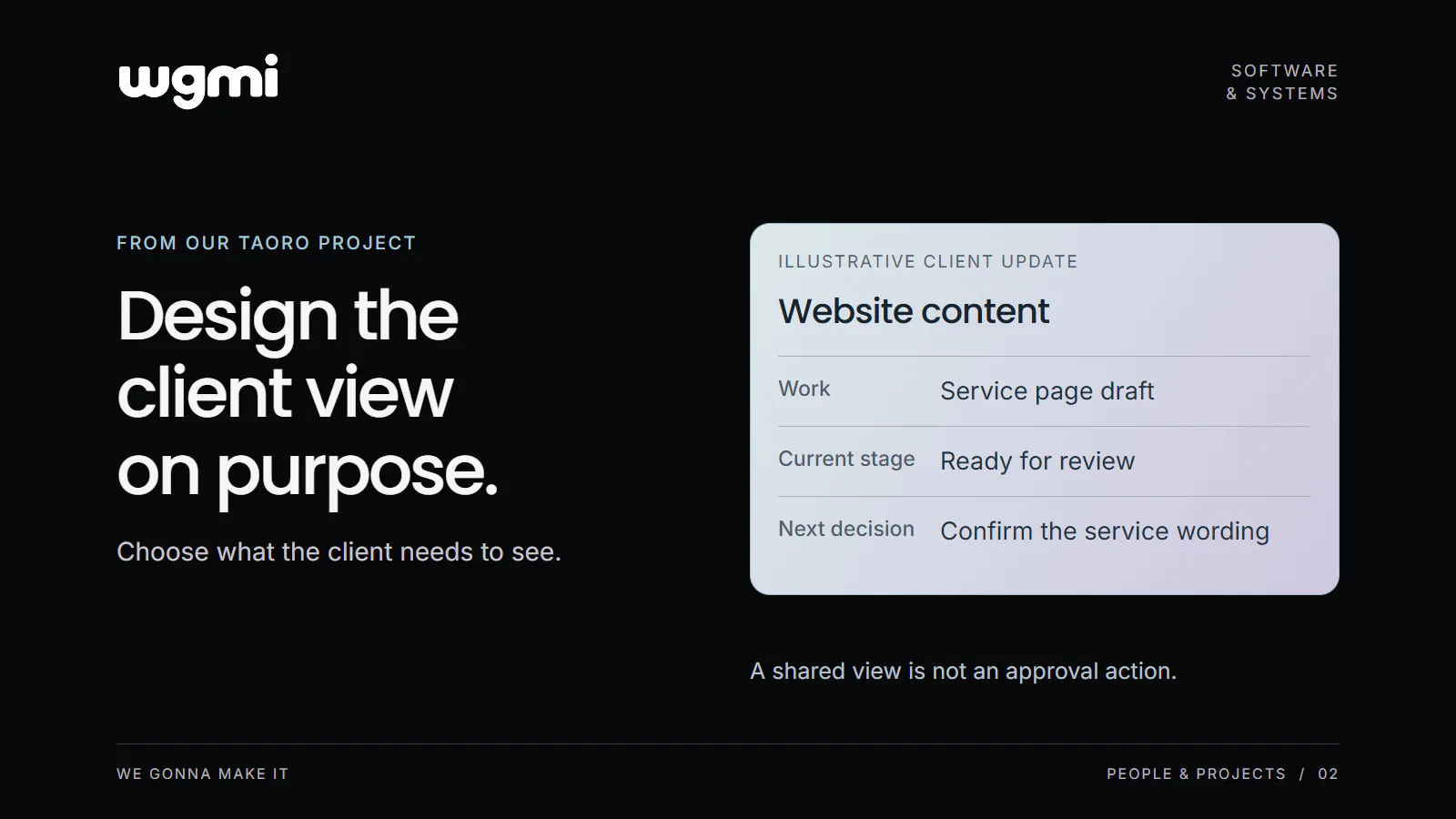
You are about to send a project link to a client. Before copying it, write down the decision the client needs to make. Perhaps they need to review a service page, confirm a delivery date or understand which piece of work is waiting for them. That decision gives you a reason to include each field in the view.
Our suggested starting point is simple: select the work the client needs to see, select the information that explains it, then inspect the resulting view separately from the workspace your team uses.
A concrete choice in Taoro
Taoro is our client operations project for small agencies. One decision in our Taoro work is to give the client view its own rules. In our current design, rows and columns are selected explicitly. A piece of work must meet the sharing condition, and the view shows only the selected fields permitted for clients.
Internal estimates and staff assignments stay outside that view. Choosing the visible information is part of designing the update: which work belongs in it, and what does the client need to understand about that work?
The shared board also has a clear interaction limit. Clients cannot comment or approve from it. Seeing a request for a decision does not provide the mechanism for sending that decision back. That route must be agreed separately.
Build a view around one decision
Consider this fictional agency example. A client needs to review the copy for a service page. The team's working board includes drafting tasks, internal estimates and staff assignments. The client needs to recognise the deliverable, understand whether it is ready for review and know when their response is expected.
For that example, a useful starting selection could be the deliverable title, current status and agreed response date. The review material and reply instructions would travel through the separately agreed channel. This example does not assume attachments, approval buttons or comments are available in the shared board.
Now ask what each selected field contributes. A title such as "Service page copy" identifies the work. A status such as "Ready for your review" explains why the client is looking at it. An agreed date gives the response a place in the schedule.
The wording still needs checking. If your team uses "Ready" to mean ready for an internal review, a client could read more into it than you intended. Choose a status description that matches the meaning you have agreed with the client.
Inspect the separate view
Open the view the client will receive and read it without the surrounding team conversation. Our suggested inspection has three questions.
Can the client identify the work? A task name that makes sense beside ten internal subtasks may need more context when viewed alone. Check that it points to the actual deliverable being discussed.
Can the client understand its state? Look for labels that require insider knowledge. A short explanation can be more useful than exposing another internal field.
Can the client find the next step? If a reply is required, check that the accompanying message says where to send it, what question to answer and which date has been agreed. A board showing progress and a channel collecting feedback have different jobs.
Also inspect the selected rows. A clear set of columns still needs the right work beneath it. Check the result of your selection instead of assuming the configuration tells the whole story.
Make the update a usable piece of communication
This is the design question we want to make visible through Taoro: what should this person be able to understand or decide from the view in front of them?
You can apply that question to a project board, a spreadsheet or a regular progress email. The exercise does not depend on buying a particular tool. Start with one client decision, select the information that supports it and inspect what the recipient will actually receive.
Check one client view against the three questions above before sharing it.
Prepared for WGMI with AI assistance.