
One field, one owner: agree which record to trust
When two tools disagree, give your team a record to check and a person who can confirm the value. A practical note for one shared field.
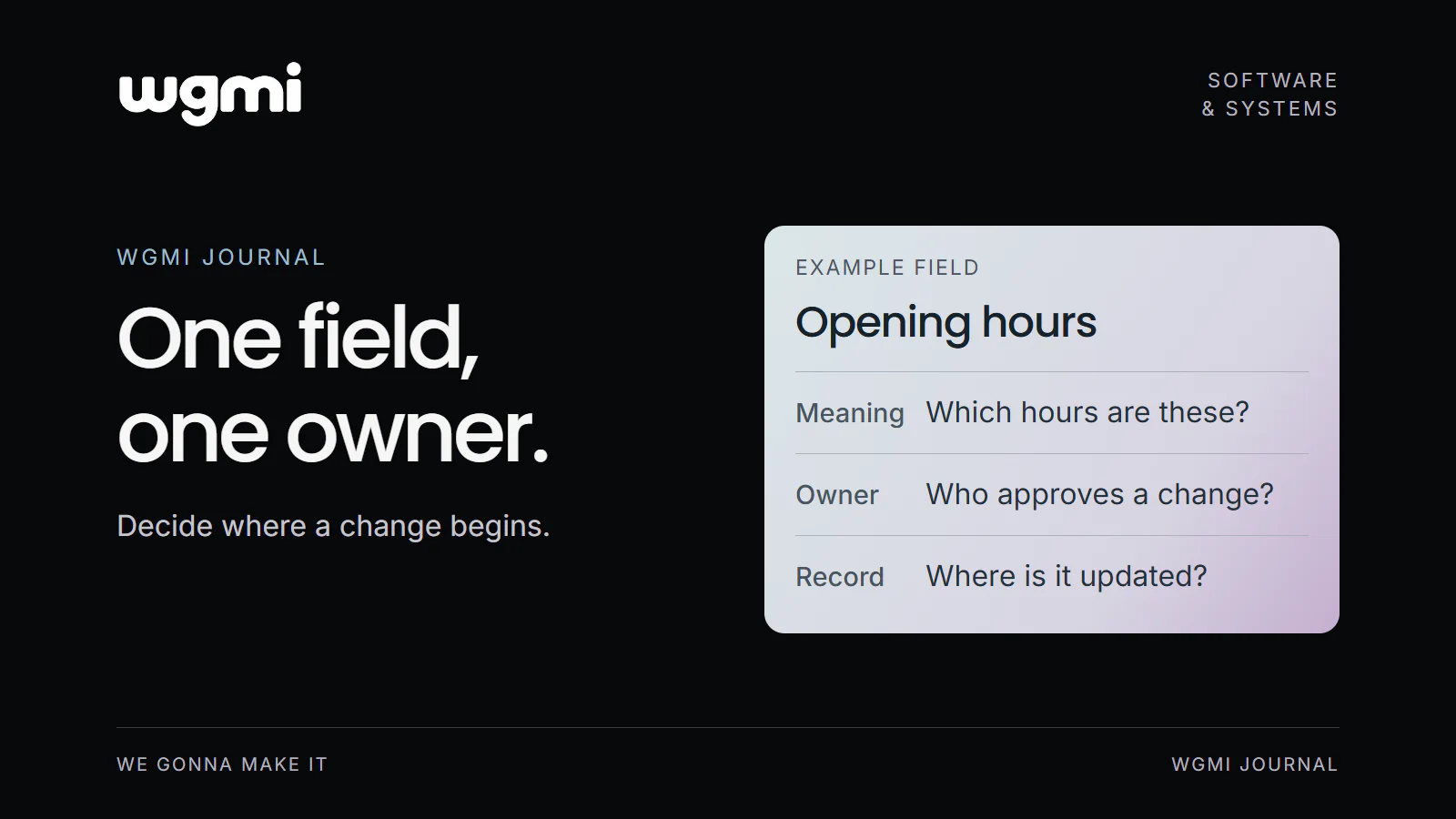
When the same piece of business information appears in several places, a disagreement raises a practical question: which record should the team use?
The most recent edit may show that someone changed a value. It does not, by itself, explain whether that person had the latest decision or whether the change was meant to apply everywhere.
For one shared field, we would start by agreeing what it means, where its approved value lives and who is responsible for changes.
Check that the field means the same thing
Imagine a business where customers collect orders from a service counter. Its website and collection email show different opening hours.
Before choosing which value to keep, the team needs to check the meaning of each one. Office hours, phone support hours and customer collection hours could be different schedules. A label such as “opening hours” may hide that distinction.
In this imagined example, the team wants one clear schedule for customer collection. That is the field to define. Separate schedules can keep separate names and owners where the business needs them.
Choose the reference record
A reference record is the place the team agrees to check for the approved value. It might be an existing operations schedule, a business system or an agreed document.
The choice should fit how the information is maintained. Who can open it? Who can change it? Can the team see when an update takes effect and whether a temporary change has ended?
Choosing a reference gives the team a way to resolve a disagreement. It still needs to be kept current. Calling a document the main record does not establish that its contents are correct.
Name the decision owner and the people who update copies
The decision owner is responsible for confirming the value and settling questions about it. In the collection hours example, that could be the person responsible for the service counter.
Other people may update the website or email template. The owner can delegate those actions and name a backup for periods when they are away.
These are useful responsibilities to record separately. Otherwise, the person who can edit a page may be expected to make a business decision they do not own.
Give temporary changes an end
For the imagined collection schedule, a special closure might change one day's hours. The reference needs to distinguish that exception from the regular schedule.
A change note could state what changes, when it starts, when it ends and who approved it. The team would also need to know which copies must change and who checks them afterwards.
Copies may be updated manually or through a connection. Either way, the team needs to understand how a change reaches each place and what to do if one copy remains out of date. An automatic connection would need its own checks; it should not be assumed from the existence of a shared record.
Write one record note
The collection hours example could produce this short note:
Field: Customer collection hours.
Meaning: The hours when customers can collect confirmed orders from the service counter.
Reference record: The collection schedule maintained by the service lead.
Decision owner: The service lead, with a named deputy when unavailable.
Copies: The website collection information and the collection email template.
Change rule: Record when each change starts and ends, then assign the updates to both copies.
Disagreement rule: Check the reference and ask the decision owner to resolve any uncertainty before treating a different value as approved.
This note identifies the decision and the places that depend on it. It gives us concrete questions to discuss before connecting tools or changing who can edit them.
Choose one piece of shared information and complete a record note for it, including the person who can resolve a disagreement.
Prepared for WGMI with AI assistance.